Rules, characters, campaigns, a virtual tabletop and a creator marketplace in one place. Look up a spell, roll it from your sheet and drop the creature on the map without switching apps.
Click anywhere to roll
660+ creatures, 650+ spells and 20 maps ready tonight.
BW1 The problem
Six tabs.
One table.
Sheets in one app, the map in another, the chat on Discord, music on Spotify, notes in a doc and the homebrew you bought in a PDF. Bookwyrm puts all of it on the table you play at.
BW2 How it plays
From the page to the fight
-
1
Find it in the library
Every creature, spell and item is a page you can read, search and link. Open the owlbear and its stat block sits right on the table.
-
2
Drop it on the map
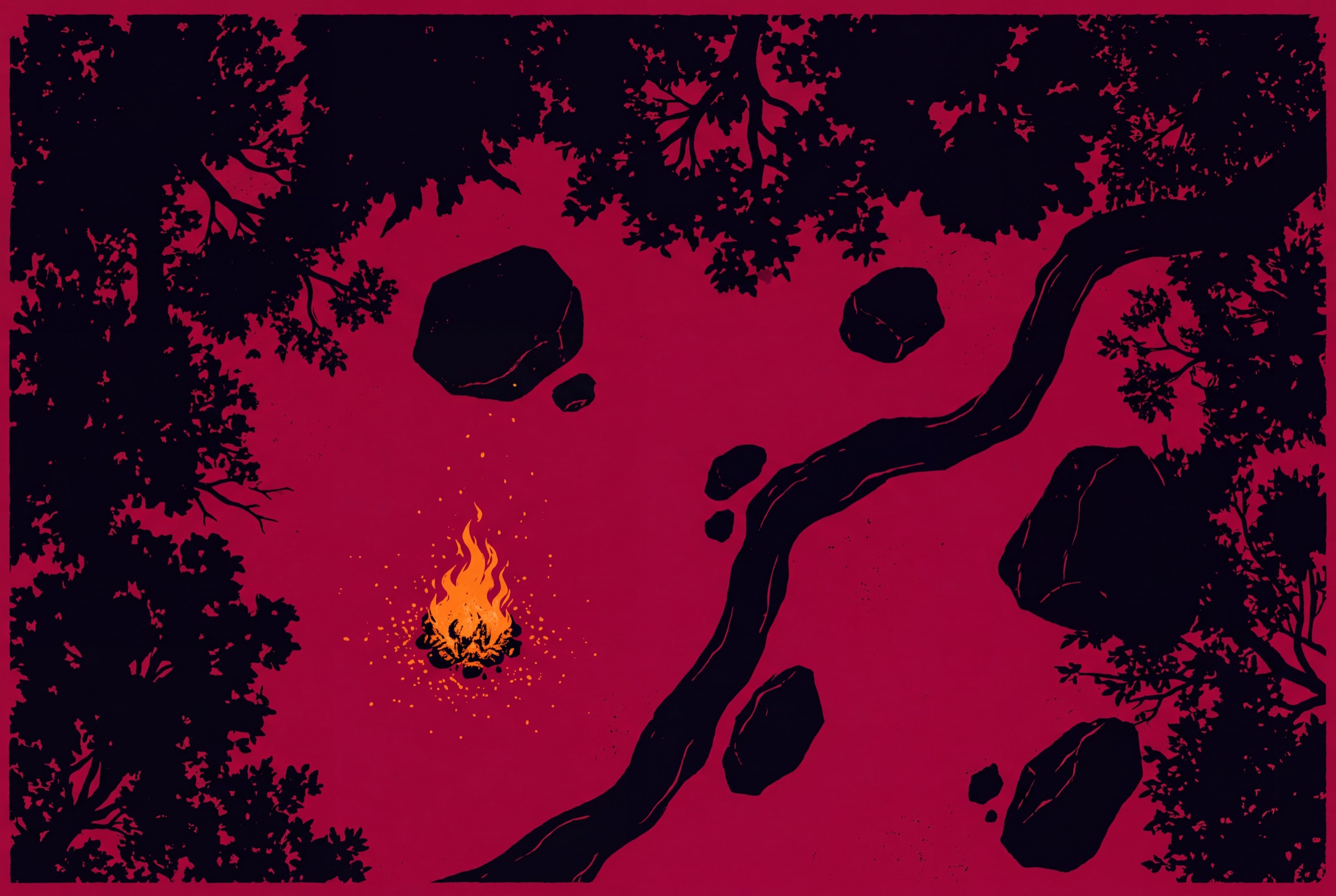
Drag the stat block onto the board and it becomes a token, already carrying its hit points, its art and its attacks.
-
3
Roll initiative
Right click the token and roll. The initiative bar sorts itself and everyone at the table sees the same turn order.
-
4
Hit and track
The beak attack rolls into chat, the damage lands and Wren’s hit points drain on her token and her card.
-
5
Next turn
One click passes the turn. The ring moves to Wren and the tracker follows, so the table keeps playing.
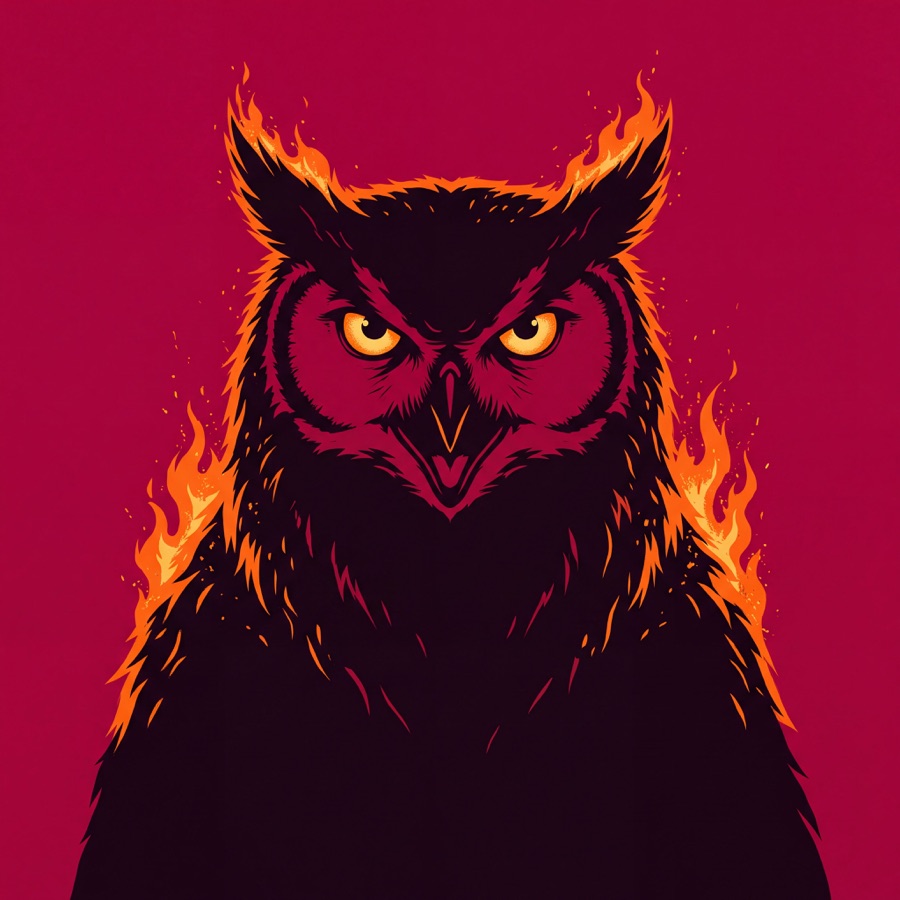
Owlbear
Large Monstrosity, Unaligned
AC 13 (natural armor)
HP 59 (7d10 + 21)
Speed 40 ft.
Init| Str | Dex | Con | Int | Wis | Cha | |
|---|---|---|---|---|---|---|
| Score | 20 (+5) | 12 (+1) | 17 (+3) | 3 (−4) | 12 (+1) | 7 (−2) |
| Save | +5 | +1 | +3 | −4 | +1 | −2 |
Actions
Beak. Melee Attack Roll: +7, reach 5 ft. Hit: 10 (1d10 + 5) piercing damage.
BW3 Pick your seat
Whoever you are
at the table
DM1 · Dungeon Masters
Prep once. Run it live.
- Build encounters from the whole library and your own homebrew
- Run combat, maps, fog and music from one screen
- Keep notes, handouts and the story inside the campaign
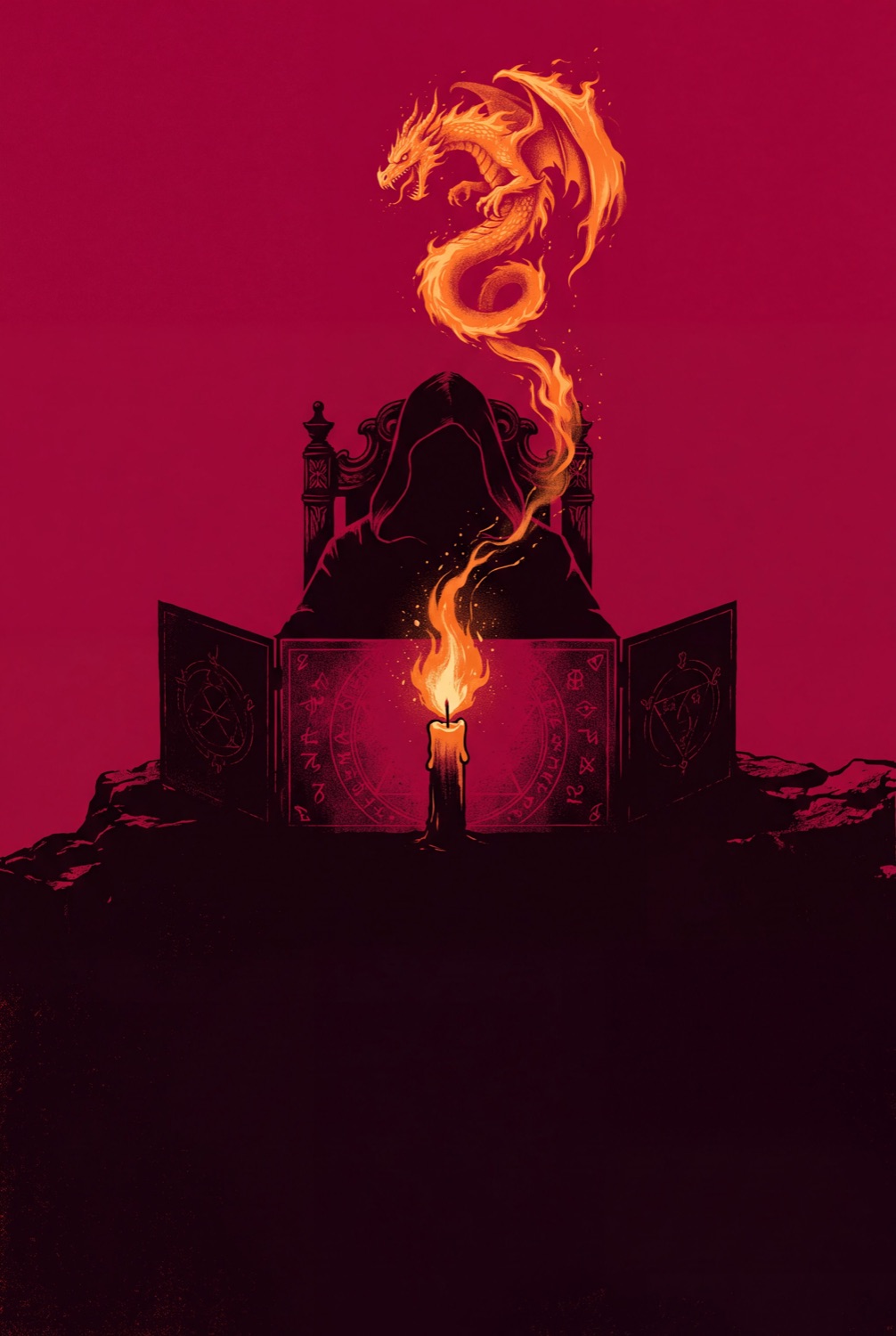
Prep once. Run it live.
PL1 · Players
A sheet that rolls.
- Build a character step by step, with the rules on hand
- Roll straight from the sheet with real 3D dice
- Bring the same character to every table you join
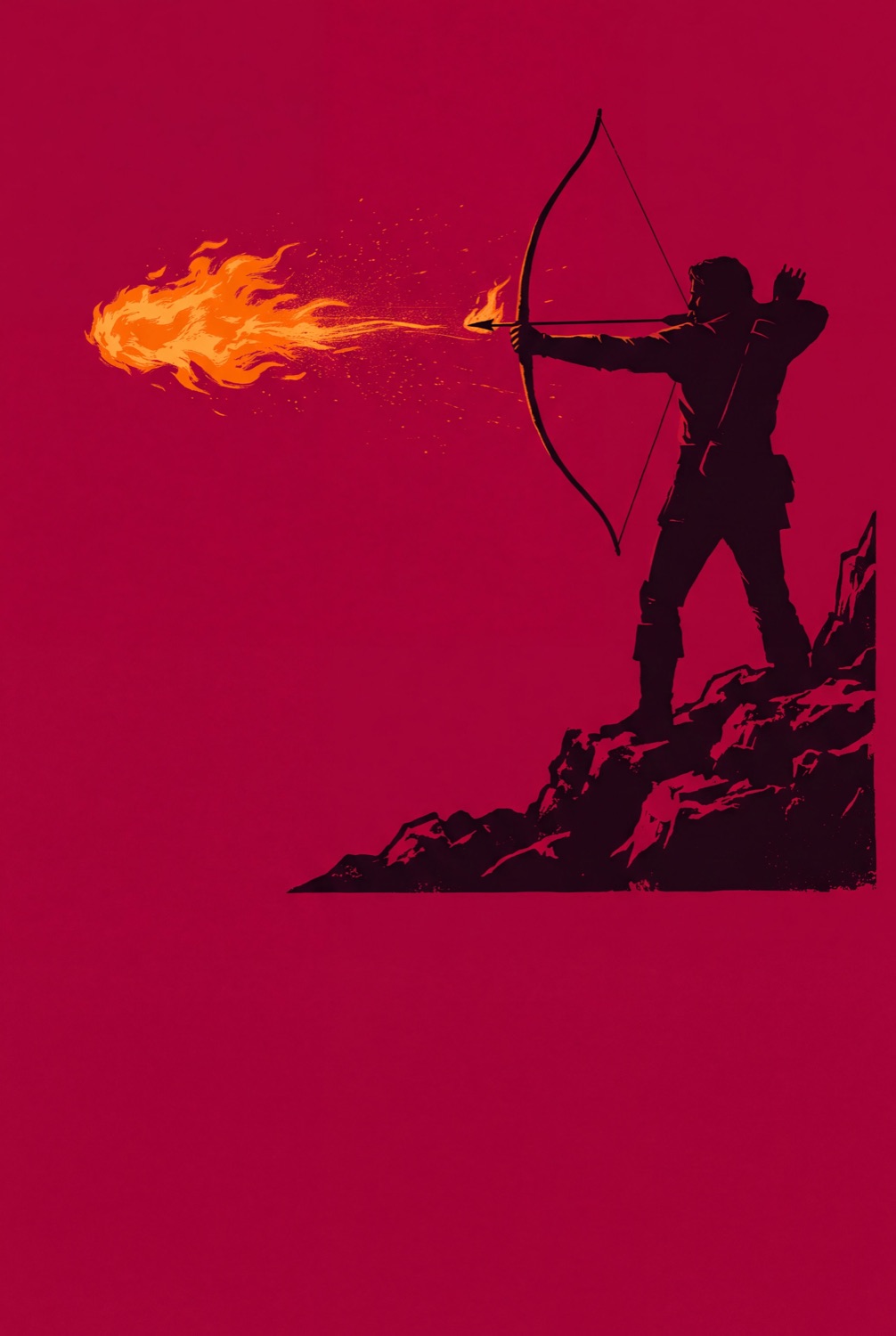
A sheet that rolls.
CR1 · Creators
Sell to tables that play it.
- Write homebrew in the same format the tools read
- Sell it once, or run your own membership
- Keep 85% of every sale
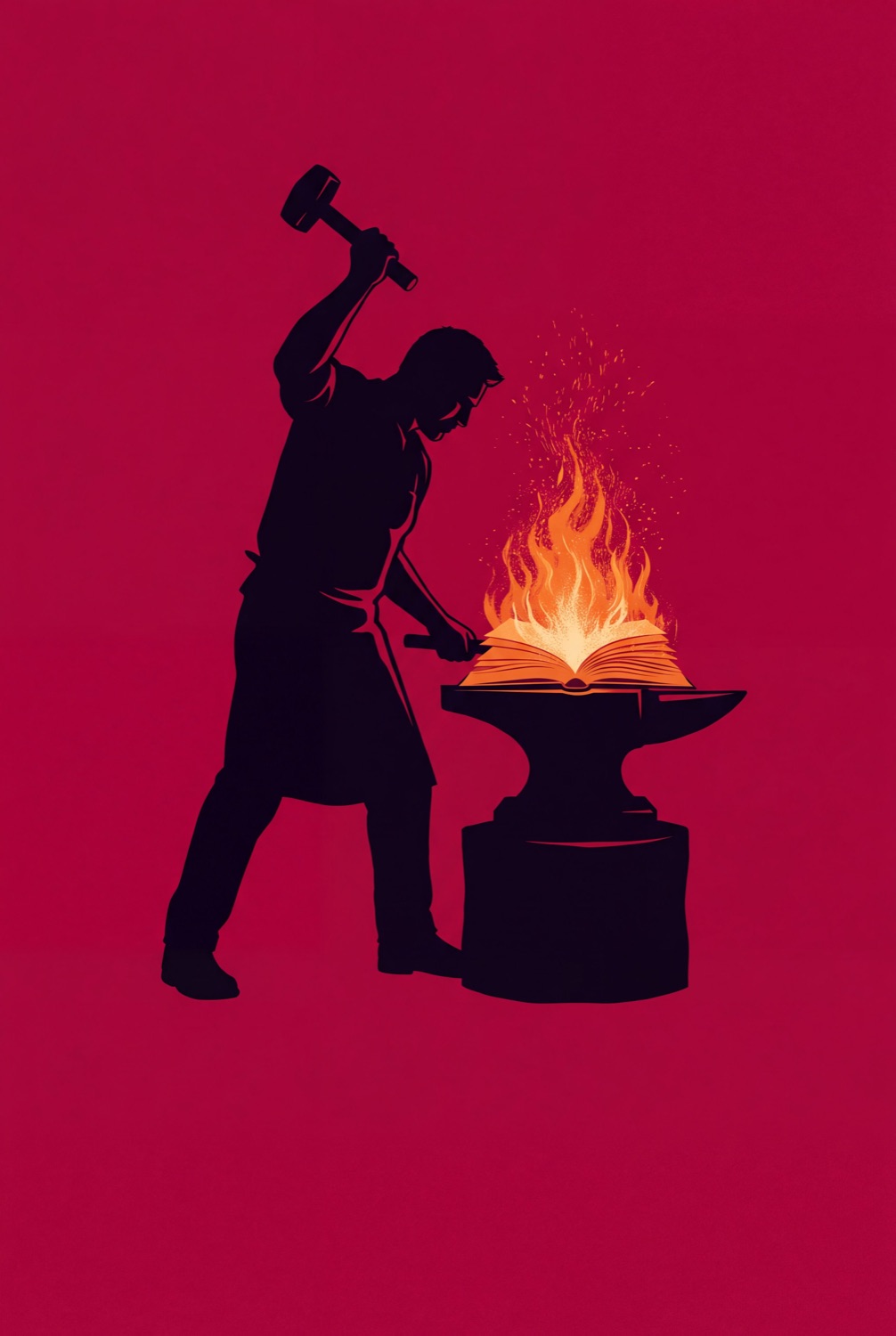
Sell to tables that play it.
Every rule you read, every monster you write and every roll you make lands on the same table.
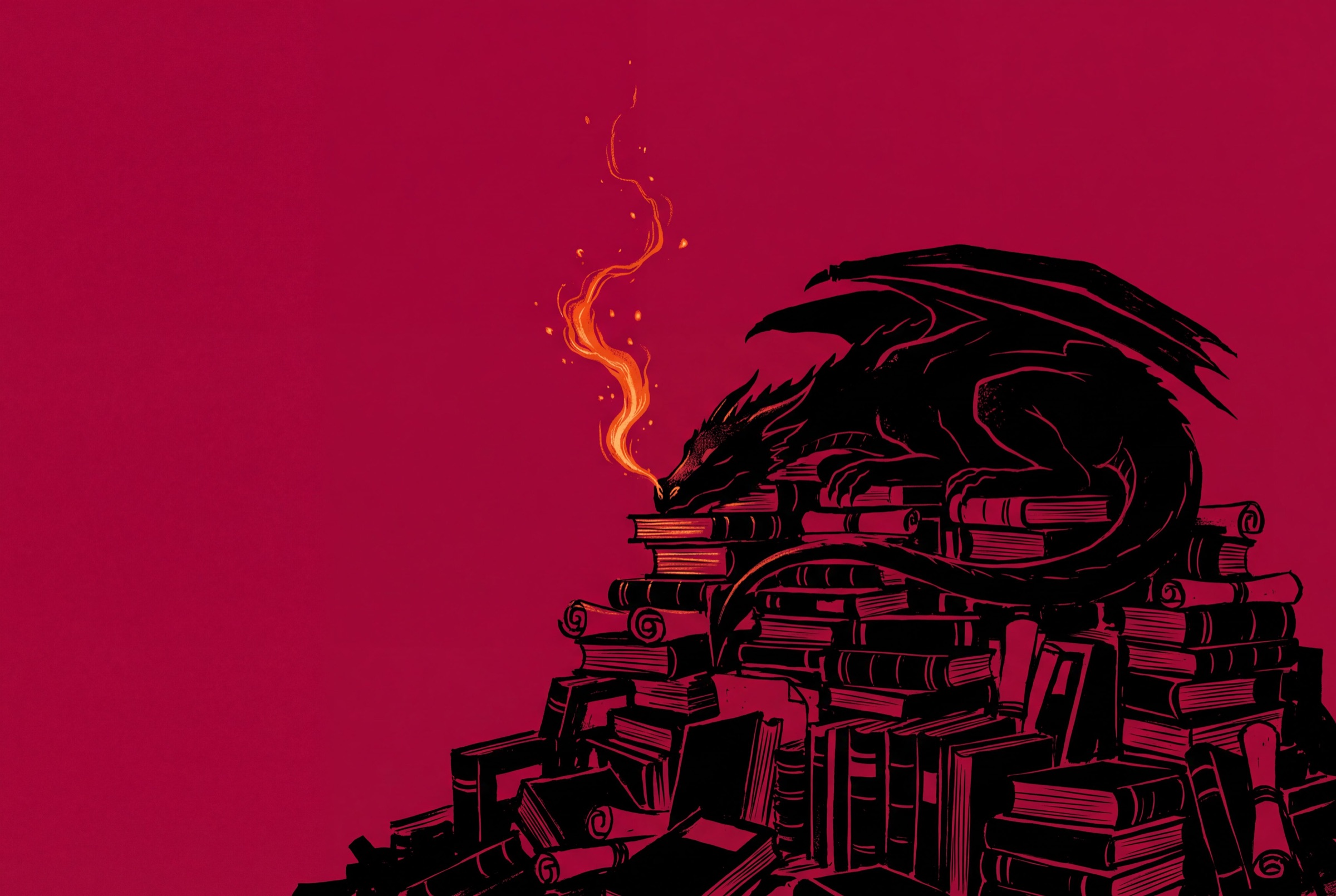
BW4 The library
Here be dragons.
And everything else.
- Creatures
- 660+
- Spells
- 650+
- Magic items
- 1,000+
- Books
- 7

BW5 Heard at the table
Tables that
stopped tab hopping
“I ran a whole Friday session without opening another tab. The owlbear never knew what hit it.”
“Our wizard finally stopped asking what Fireball does. It is right there on his sheet, and the dice roll themselves.”
“My first adventure sold 214 copies in a month, to people who dropped the maps straight into their games.”
BW6 Questions
Before you
sit down
Free to play, nothing to install, and your homebrew stays yours.
Yes. There is no Bookwyrm subscription. The rules, characters, campaigns, tabletop and tools cost nothing. You only pay if you choose to buy a creator’s work or join their membership.
No. Every free rule, creature, spell and item is readable without signing up. An account is for saving characters, running campaigns and writing your own content.
For most tables, yes. Bookwyrm has a tabletop with maps, tokens, initiative and fog of war, and it is wired into the same stat blocks and sheets you already use.
Write as much as your table can use, in as many compendiums as you like. Your creatures, spells and items work everywhere the official ones do, and you can share them with your group.
No. Everything runs in the browser, on desktop, tablet and phone.
Sales go through Stripe straight to your account. You keep 85% of every sale, less standard Stripe processing.
Yes. Each campaign has its own chat, shared dice rolls and voice calls, so nobody has to switch to another app mid fight.
Your characters, campaigns and homebrew stay in your account. Nothing is deleted because you took a break.